Import from Notion
Who can use this feature?
🔐 Only workspace members with full access can import content. Importing Notion databases also requires the permission to create workspaces.
⭐️ Available on all plans.
Many teams switch to Nuclino as a faster and simpler alternative to Notion. You can import your pages and databases from Notion into Nuclino, including files, images, and the links between your pages.
Export your content from Notion
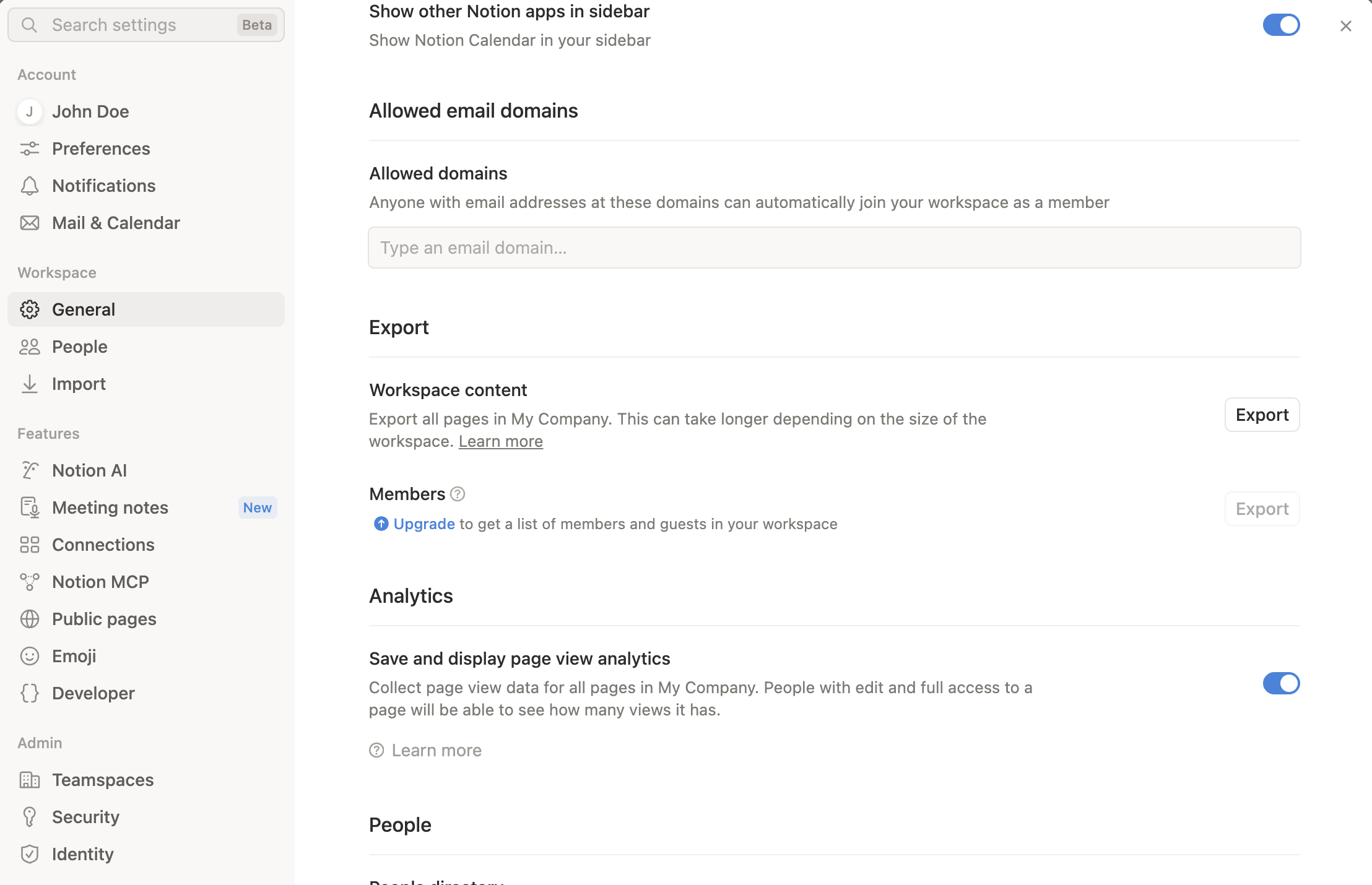
In Notion, open Settings > General and select Export workspace content to export your whole workspace. To export a single page and its subpages instead, open the ••• menu of the page and select Export.
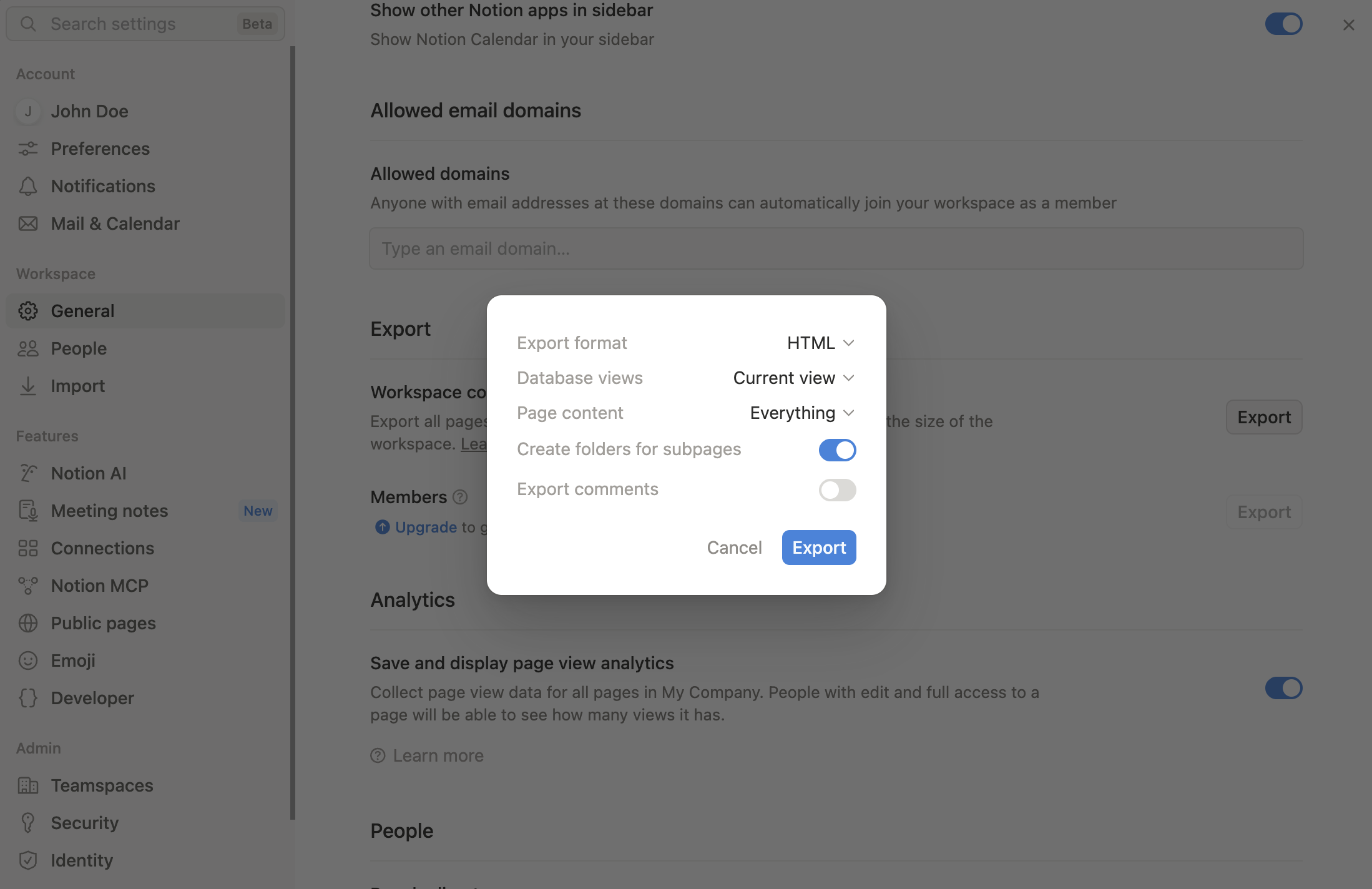
Select HTML as the export format and include subpages and files.
Download the exported .zip file. For large workspaces, Notion sends you a download link by email once the export is ready.
Import the content into Nuclino
In Nuclino, open the workspace you'd like to import the Notion pages into.
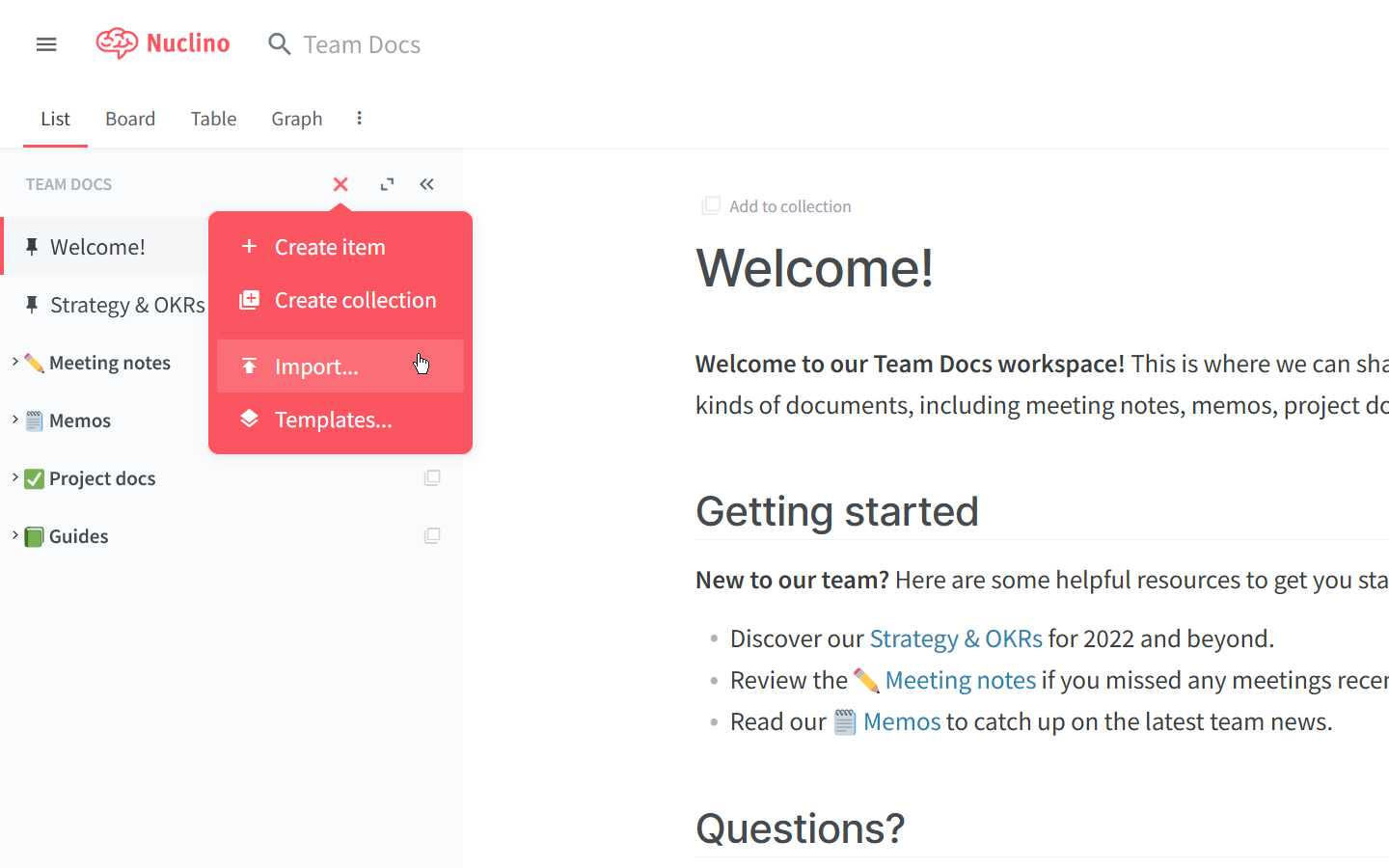
Click on the red plus symbol and select Import...
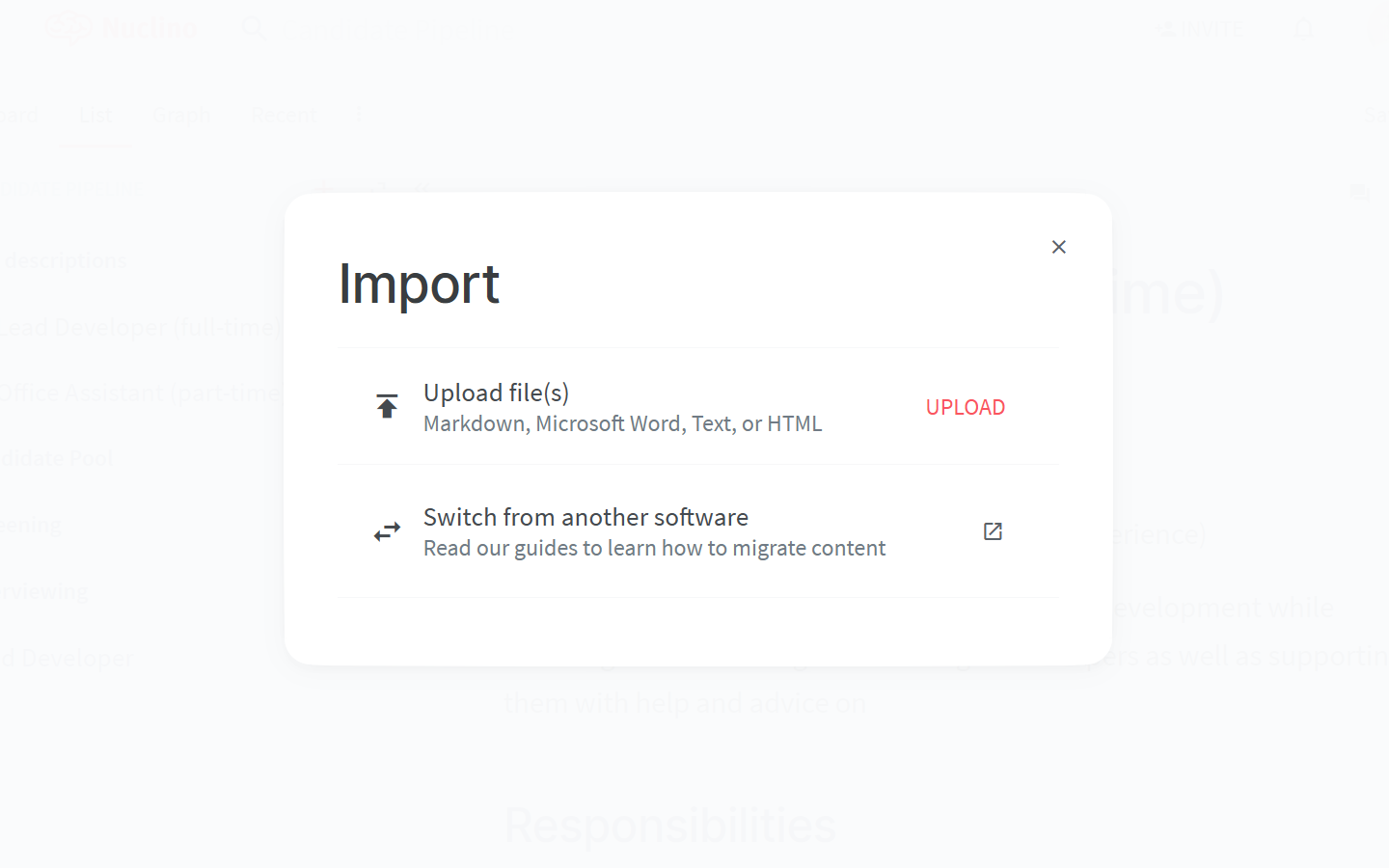
Click on Upload files and select the exported .zip file (entire .zip file without unpacking it).
Depending on the size of the exported content, it can take some time for the import to complete.
Your Notion pages become items in the workspace. Pages with subpages become collections, and teamspaces become collections at the top level.
What happens with databases
In Nuclino, fields belong to a workspace. That's why each Notion database with properties is imported into its own new workspace:
The rows of the database become the items of the workspace, which opens in the table view.
The properties become fields. Select, status, checkbox, multi-select, number, and date properties keep their type. All other properties, such as people or relations, are imported as text.
The new workspace has the same visibility and members as the workspace you import into.
Pages that contained or linked to the database link to the first item of the new workspace.
Databases without properties (just a list of pages) are imported as collections.
What isn't imported
Comments and page history
People (they are imported as names in text fields)
Cover images from Notion's gallery
Database views, filters, sorts, and board grouping
Toggles and columns are not available in Nuclino, so their content is shown one after the other.